

D-Link
D-Link helps you connect to more of everything with our innovative approach to computer networking. From relatively modest beginnings in Taiwan, the company has grown over the last 25 years into an exciting global brand offering the most up-to-date network solutions.
Whether it is to suit the needs of the home consumer, a business or service provider, we take pride in offering award-winning networking products and services. We will continue to lead the way in building networks for people around the world. For more information, visit our website http://us.dlink.com
-
01:32 Popular
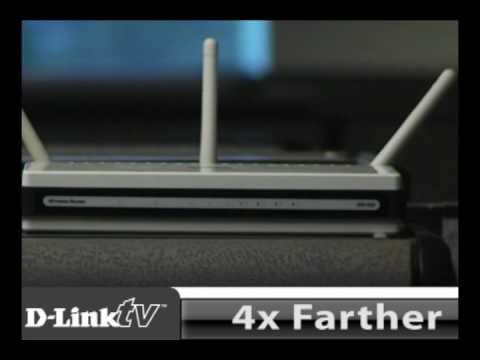
D-Link's DIR-655 Xtreme N Gigabit Router
Added 573 Views / 0 LikesThe Xtreme N® Gigabit Router creates a powerful Wi-Fi computer network in your home and is jam-packed with features. It's our most highly rated router for a reason. Strong: D-Link's Xtreme N® products provide 14x faster and 6x farther range than 802.11g.
Featured -
03:43 Popular

WBR-1310 Wireless G Router
Added 572 Views / 0 LikesD-Link wireless networking
Featured -
01:32 Popular
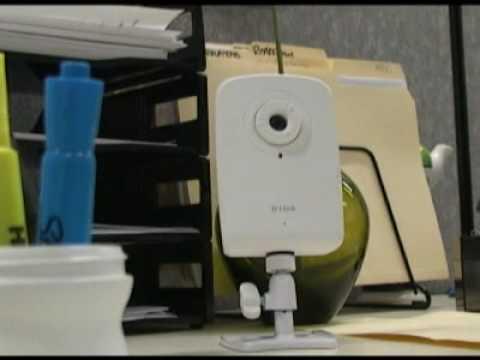
D-Link's DCS-1100 Mydlink-enabled Wired Network Camera
Added 571 Views / 0 LikesDescription The mydlink-enabled Wired Network Camera (DCS-1100) comes with everything you need to quickly add a surveillance camera to your home or small office network. It works right out of the box. The mydlink™-enabled Wired Network Camera (DCS-1100) c
Featured -
02:03 Popular
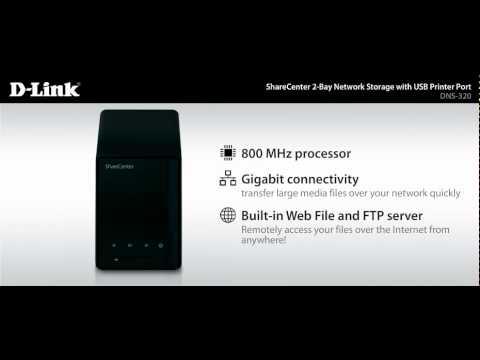
Meet The ShareCenter 2-Bay Network Storage With USB Printer Port
Added 568 Views / 0 LikesThis ShareCenter storage device has a storage capacity of up to 6TB, so everyone on your network can back up and share their documents, music, photos, videos to a central location and access them remotely over the Internet right out of the box. Plus, it f
Featured -
01:55 Popular
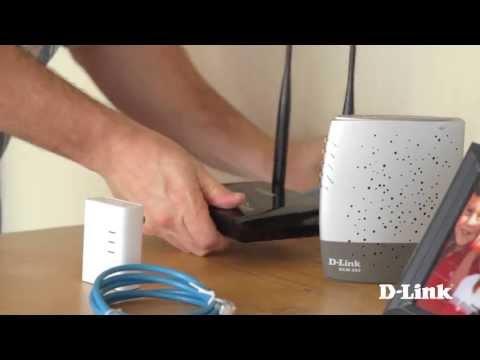
Getting Started: PowerLine AV+ Mini Adapter Starter Kit (DHP-309AV)
Added 567 Views / 0 LikesThe D-Link® PowerLine AV + Mini Adapter Starter Kit (DHP-309AV) extends your home network by transforming your existing electrical system into a powerful network. Easily add computers, laptops and entertainment systems to your wired network without turnin
Featured -
03:33 Popular

Intro To PowerLine Home Networking
Added 567 Views / 0 LikesPowerLine networking is the easiest way to expand your home network only using the existing electrical wiring already in your house. Great for connecting your game console, SmartTV or media player to the internet. With PowerLine adapters, like the DHP-501
Featured -
02:49 Popular
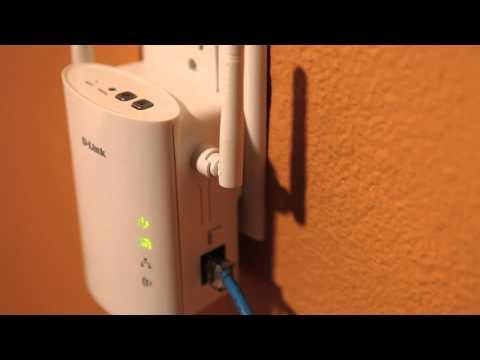
Get The Most From The D-Link PowerLine AV Wireless N Extender (DHP-W306AV)
Added 567 Views / 0 LikesGet the most from the D-Link PowerLine AV Wireless N Extender by changing the SSID and adding WPA security. We show you how the DHP-W306AV can help extend your network and improve the wireless signal throughout your house. Learn more: http://www.dlink.com
Featured -
03:44 Popular
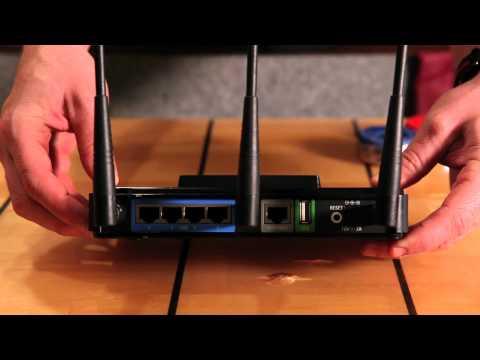
Getting Started: Xtreme N Gaming Router (DGL-4500)
Added 567 Views / 0 LikesGetting started with the DGL-4500 Xtreme N Gaming Router from D-Link. It's not everyday you come across a device designed solely with the gamer in mind. http://www.dlink.com/products/?pid=643
Featured -
04:38 Popular

What Is 3 X 3 Wireless Configuration?
Added 566 Views / 0 LikesWhether you can see them or not, all Wi-Fi routers have transmit and receive antennas to communicate wirelessly over a radio channel with your laptops, smartphones and other connected devices but some routers are built to handle more. Check out the video
Featured -
01:16 Popular
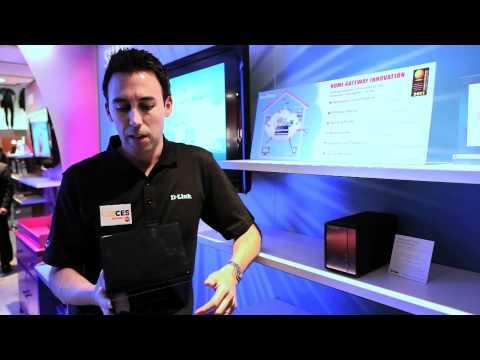
D-Link At CES 2011: SHARE Solution
Added 566 Views / 0 LikesSecurely share and store any and all digital media. Never lose media in the event of hard drive failure. Back up and organize all of your photos, videos and music, and access it all from anywhere in your home -- or remotely over the Internet -- any time y
Featured -
09:24 Popular
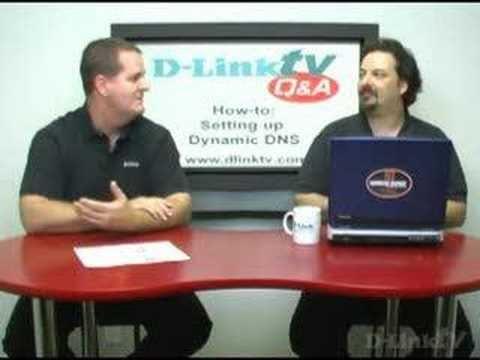
D-LinkTV Q&A Episode 23
Added 565 Views / 0 LikesThis is the next episode of D-LinkTV Q&A where we take your questions and answer them. Episode 23: Setting Up Dynamic DNS In this episode, we will be discussing some basics about setting up Dynamic DNS. What is Dynamic DNS and why use it? We will be answe
Featured -
01:06 Popular
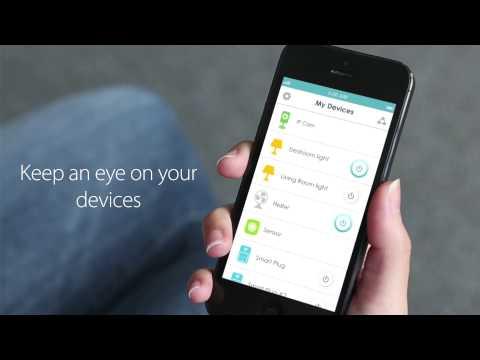
Meet The Wi-Fi Smart Plug (DSP-W110)
Added 564 Views / 0 LikesMeet the mydlink Wi-Fi Smart Plug (DSP-W110). It allows you to turn your devices on or off, wherever you are. With the Wi-Fi Smart Plug you can also create a easy schedule to set your devices to work whenever you want. With its easy setup you can not only
Featured -
01:44 Popular
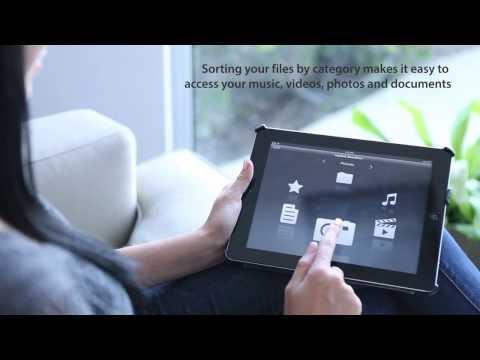
Introducing The Mydlink SharePort App
Added 564 Views / 0 LikesWith the free mydlink SharePort app and D-Link's industry-exclusive USB SharePort technology, you can access and wirelessly stream your favorite videos, music, photos and files from a connected USB drive on your D-Link Cloud Router to your iPhone, iPad or
Featured -
02:20 Popular
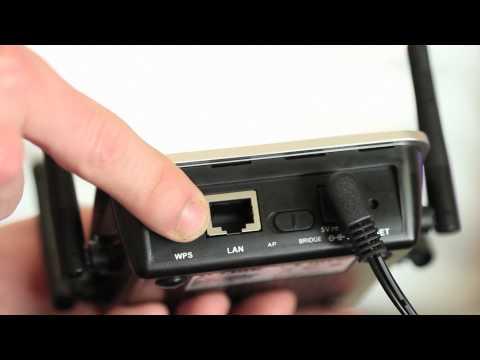
3 Ways To Improve Your Wireless Home Network
Added 563 Views / 0 LikesWe look at the many options to expand you home network to reach all corners of your house. From creating a PowerLine network to adding a wireless bridge, or simply, optimizing the existing wireless router, we provide you with information and tips to make
Featured -
06:10 Popular

Digital Home D.I.Y. Episode 19
Added 563 Views / 0 LikesThis episode tells you how to upgrade your router's firmware without changing your original settings.
Featured -
01:57 Popular
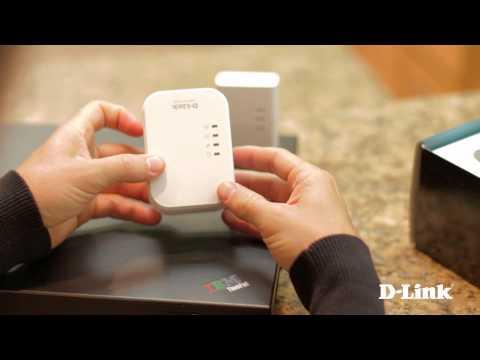
Getting Started PowerLine AV 500 Wireless Extender Kit (DHP-W311AV)
Added 562 Views / 0 LikesThe PowerLine AV 500 Wireless Extender Kit instantly expands your wired and wireless networks by transforming your home's existing electrical wiring into a high-speed network. Easily add computers, entertainment systems and other devices to your network w
Featured -
01:36 Popular

Three Tips For Password Protecting Your Wi-Fi
Added 561 Views / 0 LikesKeeping your Wi-Fi Network safe should always be something of a priority. So if you’ve been sharing your Wi-Fi connection with piggybacking neighbors and would like to lock down your network once and for all, here are three tips to keep in mind when you’r
Featured -
00:58 Popular
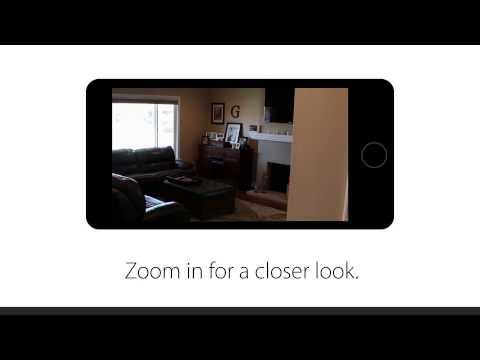
D-Link HD Pan & Tilt Wi-Fi Camera (DCS-5029L)
Added 560 Views / 0 LikesMeet the HD Pan & Tilt Wi-Fi Camera (DCS-5029L). Got a large room? Kids or pets on the move? We’d recommend a Pan & Tilt Wi-Fi Camera. See more of your space and angle, pan, tilt, view, scold (if necessary) – all from your phone or tablet. Visit http://us
Featured